Nuala
Hell's Finest Daughter
- 15 Jul 2004
- 1,725
- 39
How to take a screenshot:
On Mac OS X: Command-Shift-3, it saves to your desktop.
Windows: Print Screen, open up Microsoft Paint, Adobe Photoshop, or GIMP, and press CTRL+V, or right click and select paste. Save file.
Ubuntu Linux: Go to the main menu: Applications ―> Accessories ―> Take Screenshot. If you're using Linux, you should probably already know how to do this.
How to upload & post:
1) Go to Imageshack.us, Photobucket.com, or tinypic.com. Select upload file, go to the folder your screenshot is in, press select, and wait for the file to upload.
2) Select Direct Link/URL, copy the URL, paste it in your post with the following code.
That should allow you to share your desktop with us. Please resize your image on Photobucket/Imageshack using the tool they provide to no more than 400-500 pixels across, and 200-300 pixels tall.
Here's mine!
On Mac OS X: Command-Shift-3, it saves to your desktop.
Windows: Print Screen, open up Microsoft Paint, Adobe Photoshop, or GIMP, and press CTRL+V, or right click and select paste. Save file.
Ubuntu Linux: Go to the main menu: Applications ―> Accessories ―> Take Screenshot. If you're using Linux, you should probably already know how to do this.
How to upload & post:
1) Go to Imageshack.us, Photobucket.com, or tinypic.com. Select upload file, go to the folder your screenshot is in, press select, and wait for the file to upload.
2) Select Direct Link/URL, copy the URL, paste it in your post with the following code.
Code:
That should allow you to share your desktop with us. Please resize your image on Photobucket/Imageshack using the tool they provide to no more than 400-500 pixels across, and 200-300 pixels tall.
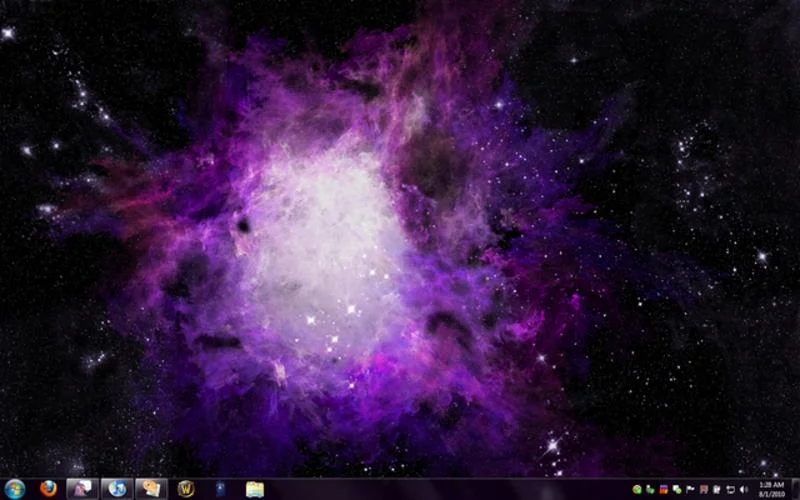
Here's mine!